
Schools today are under pressure to manage academics, administration, and communication efficiently while staying ahead in a competitive education landscape. The right school management software becomes the backbone of daily operations, connecting management, staff, parents, and students through a single platform.
Choosing a system only on price or a quick demo can lead to long-term problems, resistance from staff, and hidden costs. Here are seven essential things every school should carefully evaluate before finalizing a school management software.
1. Future-ready upgrades and improvements
Your school’s needs will not remain the same for the next five to ten years. New policies, exam formats, fee structures, communication channels, and reporting requirements will keep changing.
Good school management software is not a one-time product; it is a continuously improving service. Check if the vendor:
- Releases regular feature updates and improvements
- Fixes bugs quickly
- Adds new modules based on school feedback
Ask whether upgrades are included in your plan or charged separately, and how often major updates are rolled out.
2. Flexibility to match your school’s process
Every school is unique in how it handles admissions, fees, examinations, transport, and communication. If the software is too rigid, your team will be forced to change their existing processes just to “fit” into the system.
Look for flexibility such as:
- Customizable fee heads and payment schedules
- Support for your examination pattern and grading system
- Configurable roles, permissions, and approvals
- Option to enable or disable modules as needed
The more the system adapts to your school instead of the other way around, the smoother the implementation will be.
3. Proven reliability and track record
Reliability is non‑negotiable when you are dealing with student data, financial records, and academic history. A visually attractive interface is not enough if the system crashes, loses data, or becomes slow during peak usage.
Before you decide, check:
- How long the software has been in the market
- How many schools are actively using it
- Whether the vendor can share testimonials or case studies
- How they back up data and handle downtime
A stable, battle-tested solution with a solid track record is always safer than a newly built system with no history.
4. Strong long-term support and training
Successful implementation depends heavily on the support you receive after purchase. Even the best software will fail if there is no proper onboarding, training, and problem resolution.
Evaluate the vendor’s support quality by asking:
- Do they offer live training sessions for admin, teachers, and office staff?
- What are the support hours and response times?
- Is support available through call, email, and ticketing system?
- Is there a knowledge base or help portal for quick self-help?
Dedicated, education-focused support ensures your team never feels stuck and new staff can be onboarded smoothly.
5. Web-based and accessible from anywhere
In today’s digital world, stakeholders expect convenient, secure access to information from anywhere. A web-based school management software makes this easy without complex installations.
With a web-based system:
- Management can monitor operations from any location
- Teachers can mark attendance, update marks, and share notes online
- Parents can track fees, homework, and announcements in real time
- Students can access timetables, exam schedules, and results with ease
Ensure the software supports secure logins, encryption, and role-based access so that sensitive data is protected.
6. Scalability for future growth
A system that works for 500 students should still perform smoothly when you reach 1,500 or open new branches. Scalability is often ignored during selection but becomes a major pain point later.
Check how the software handles:
- Increasing number of students, staff, and classes
- Additional modules like transport, hostel, library, or inventory
- Expansion to multiple branches or campuses
Ask the vendor whether their infrastructure and database are built to scale as your institution grows, without slowdowns or frequent crashes.
7. Simple and user-friendly experience
If your staff and teachers find the software confusing, they will avoid using it, and your investment will be wasted. A clean, user-friendly interface is just as important as features.
Look for:
- Simple, logical navigation for non-technical users
- Clear labels and workflows for common tasks like attendance, fees, and reports
- Minimal clicks for daily activities
- Short learning curve and easy adoption
When users feel confident and comfortable with the system, data accuracy improves and the school gets full value from the software.
How Eduspher aligns with these 7 essentials
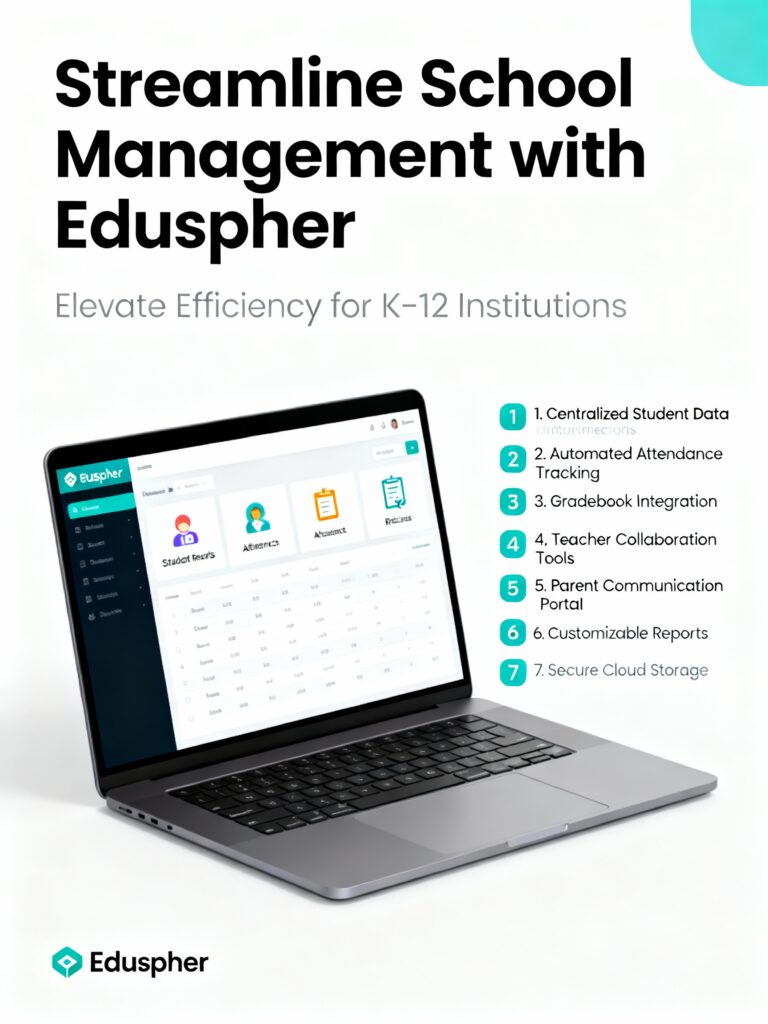
If you are evaluating solutions like Eduspher, you can use these seven points as a checklist to discuss with your management team. Eduspher is designed to offer:
- Continuous improvements and feature enhancements
- Flexible configuration to match your school’s processes
- Reliable performance with a focus on data security
- Dedicated support for training and query resolution
- Web-based access for management, teachers, parents, and students
- Scalability to support growing student strength and additional branches
- A clean, user-friendly interface to ensure quick adoption
By using these criteria while choosing a school management software, your institution can avoid costly mistakes and confidently invest in a platform that supports long-term academic and administrative growth.